API integration
Use our REST API for programmatic access to:
- reporting information such as activity logs
- pre-registration information - allowing you to automatically pre-register visitors from another system (e.g. an event management system)
How to set up API integration
Navigate to Account settings > Integrations > API
Click Buy to enable the API integration add-on.
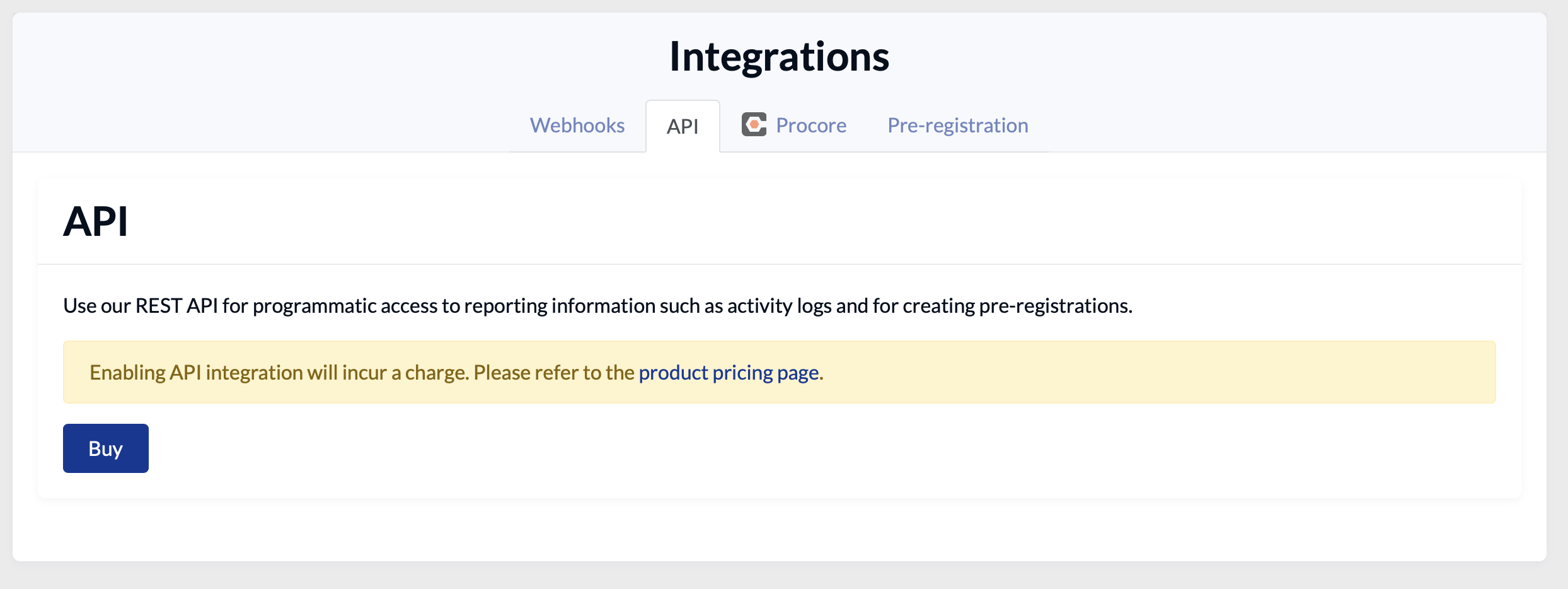
You will then be able to generate your API keys and view technical documentation - expand the section relevant to the API you want to use.
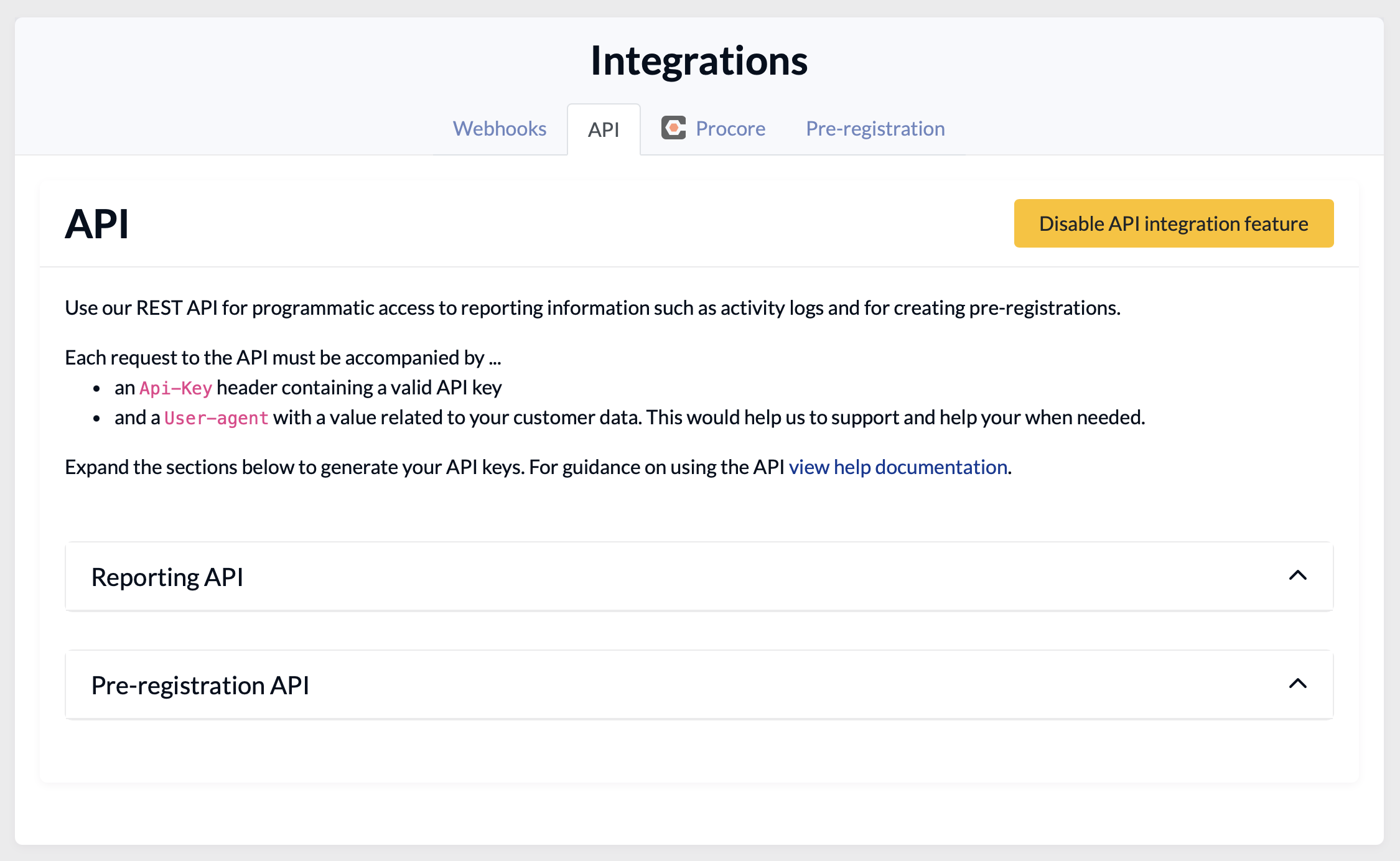
Reporting API
You can use the reporting API to:
- Show trend data on a PowerBI dashboard
- Show visit details in a spreadsheet
Pre-registration API
You can use the pre-registration API to pre-register visitors from another system, for example:
- Patient management system
- Event management or ticket/booking system
This means that when your attendees arrive, EVA already knows about them and is ready to check them in.
Other API uses
For ideas and help with different scenarios please get in touch with our support team.